

Skip To Top Navigation Skip To Content Skip To Footer

Digital Accessibility

Creating Accessible Digital Content

Digital accessibility ensures all members of our community can access and engage with content across websites, documents, and social media. Accessibility should be built into every stage of content creation.

This page provides guidance on website accessibility (WCAG), accessible documents, reporting accessibility issues, and support for content creators.
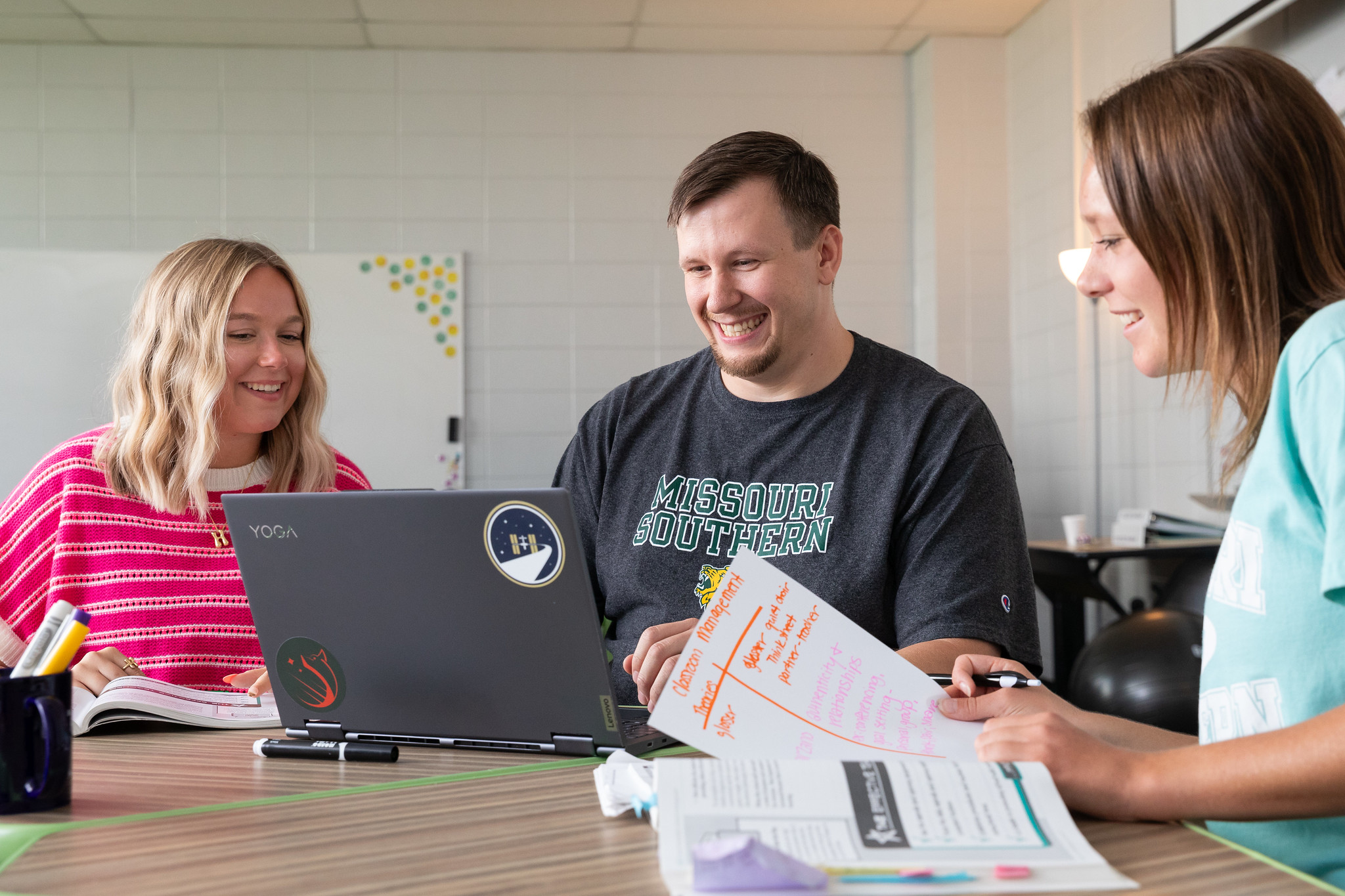
students sitting at table with laptop and study materials
Staff member sitting at her computer smiling

Website Content Editors

For employees who create or update website content.
  • Website accessibility standards (WCAG)
  • Web content best practices
  • Accessibility testing guidance

Learn More

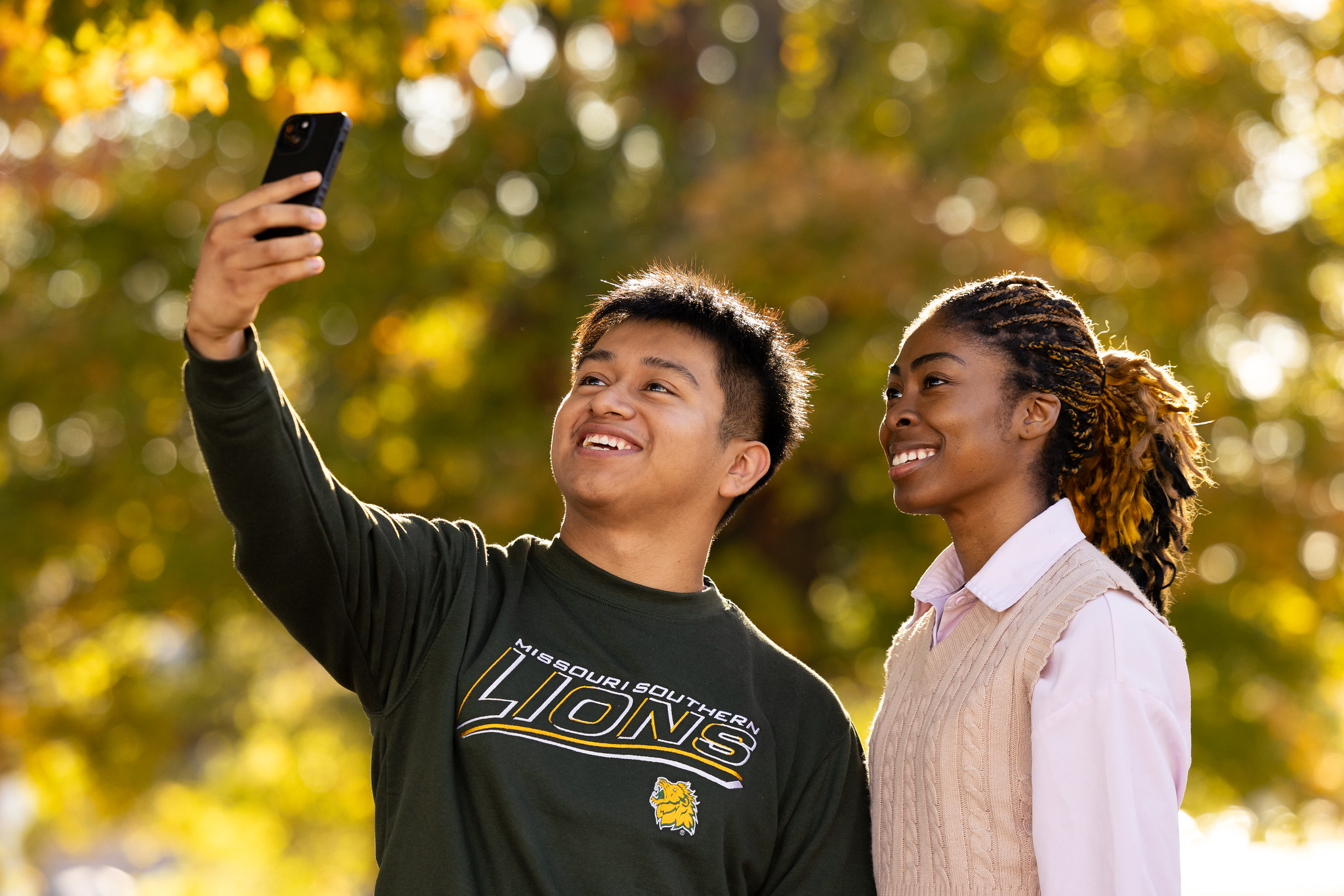
Students posed together taking a selfie

Social Media Admins

For staff managing official university social media accounts.
  • Accessible social media best practices
  • Captioning and video accessibility
  • Alt text and image descriptions
  • Platform-specific tips

Learn More

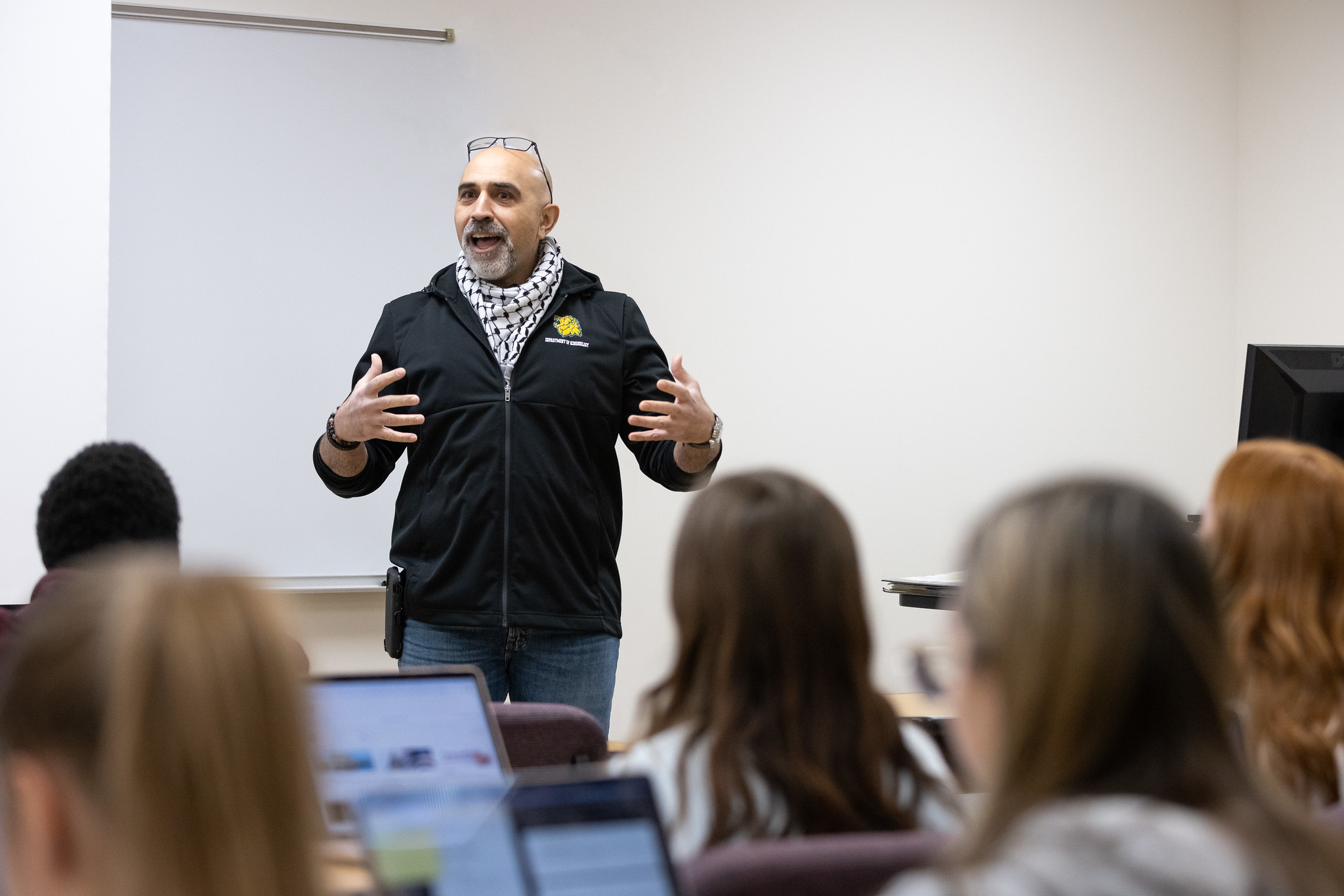
faculty member teaching in front of full classroom

Faculty & Staff

Learn to create accessible Word, Excel, and PowerPoint files
  • Follow step-by-step training materials

Learn More

students standing together looking at a phone

Additional Resources

Use the options below to report accessibility issues, request support, or view accessibility standards.

Report a barrier
Accessibility Policy (Coming Soon)